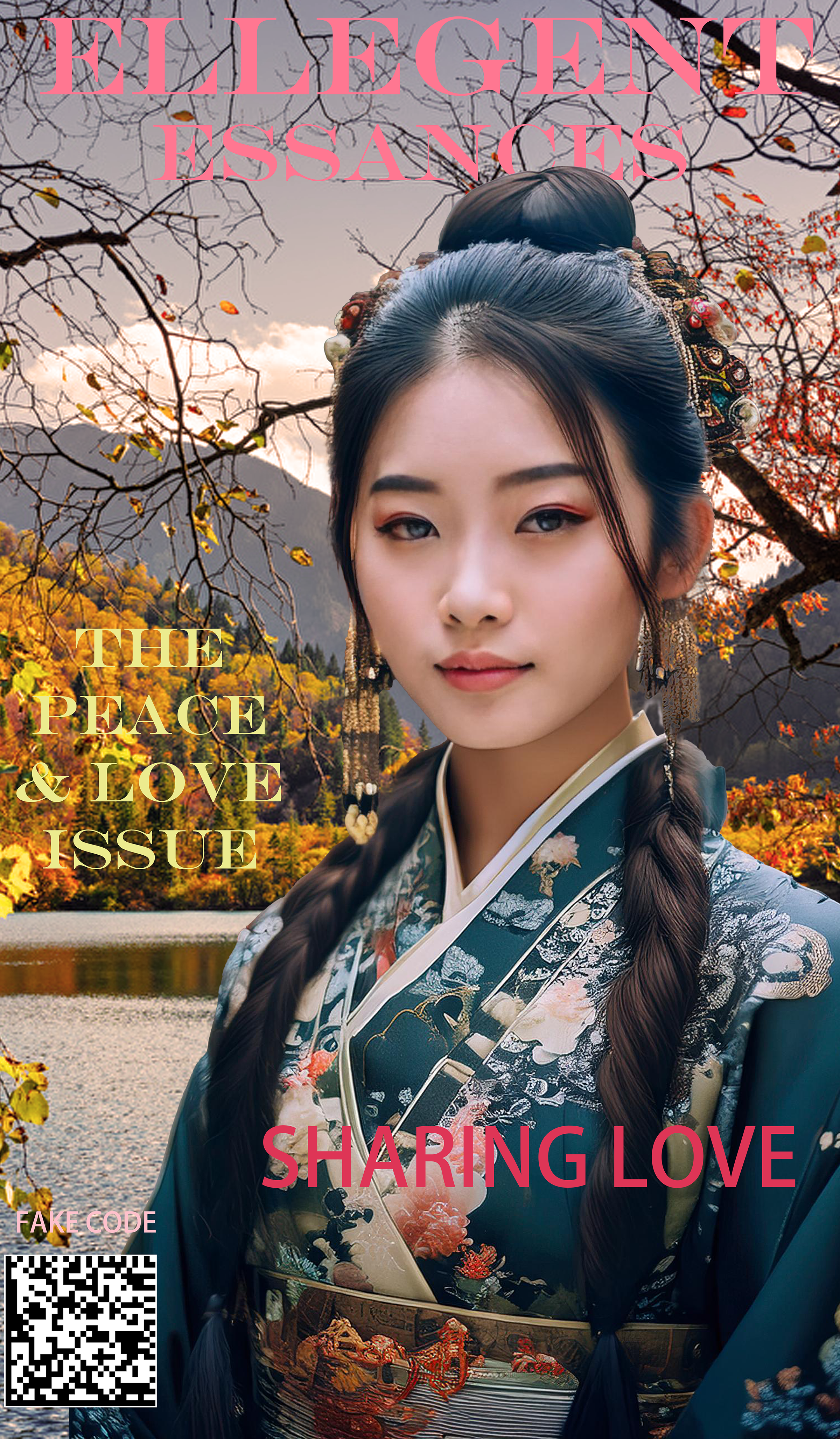
Magazine
This Image was created as a Magazine Cover
Notes
- Found a picture of an Asian woman on google with traditional attire.
- Next I copied and saved it in my file.
- The I clicked generate image to give me some other options and images that will fit.
- Then I selected the object selection tool, next subject select.
- Then I created a blank select and mask.
- Once I did that I found an image for a background on google to put behind the image.
- I used the crop tool to make sure it fit in nice and neat.
- Now I’m gonna use the text tool to give some words to the magazine.